
Your first calculation
Seven steps, start to finish. Nothing has to be set up first, RFEM included: every step here runs without it. You can stop after step four if all you want is the number. RFEM comes in when you want the model built, calculated and read back in your own installation: Connecting RFEM.
1. Start a chat
Open Dlubal CALC and start a new chat. There is no template to pick and no calculation type to choose: describing the problem is the interface.
2. Describe the system
Say what you have and, more importantly, what you want out of it.
Single-span steel beam, span 6 m, uniform load 12 kN/m including self-weight, S235.
Pick the lightest IPE that keeps deflection under L/300 and utilisation under 0.9.
Show me the governing check.
3. Read the assumptions before the number
The answer states what it had to assume. Read that part first: it is where a result quietly becomes wrong, and it is the reason the assumptions are printed at all.
If something essential is missing, Mia asks instead of choosing for you. Leave the load out of the prompt above and you get a question back, not an invented load. The same goes for the design standard: if the edition or the national annex is open, Mia asks which one applies.
Disagree with an assumption by saying so, and ask again. The conversation keeps its context, so you do not restate the system.
Take the deflection limit as L/250, not L/300, and use the German NA.
4. Check the result
You get the internal forces, the utilisation to EN 1993, the deflection against its limit and the steps in between. The numbers are traceable: every one of them names where it came from, so you can check the path rather than trust the total.
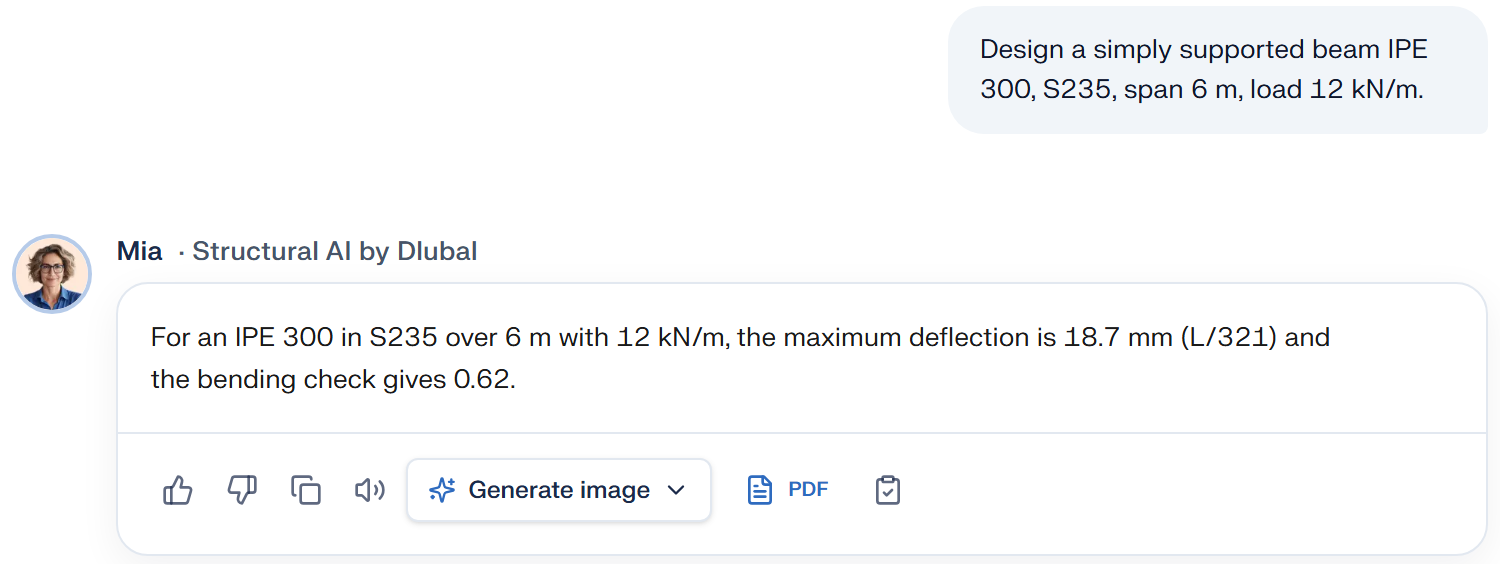
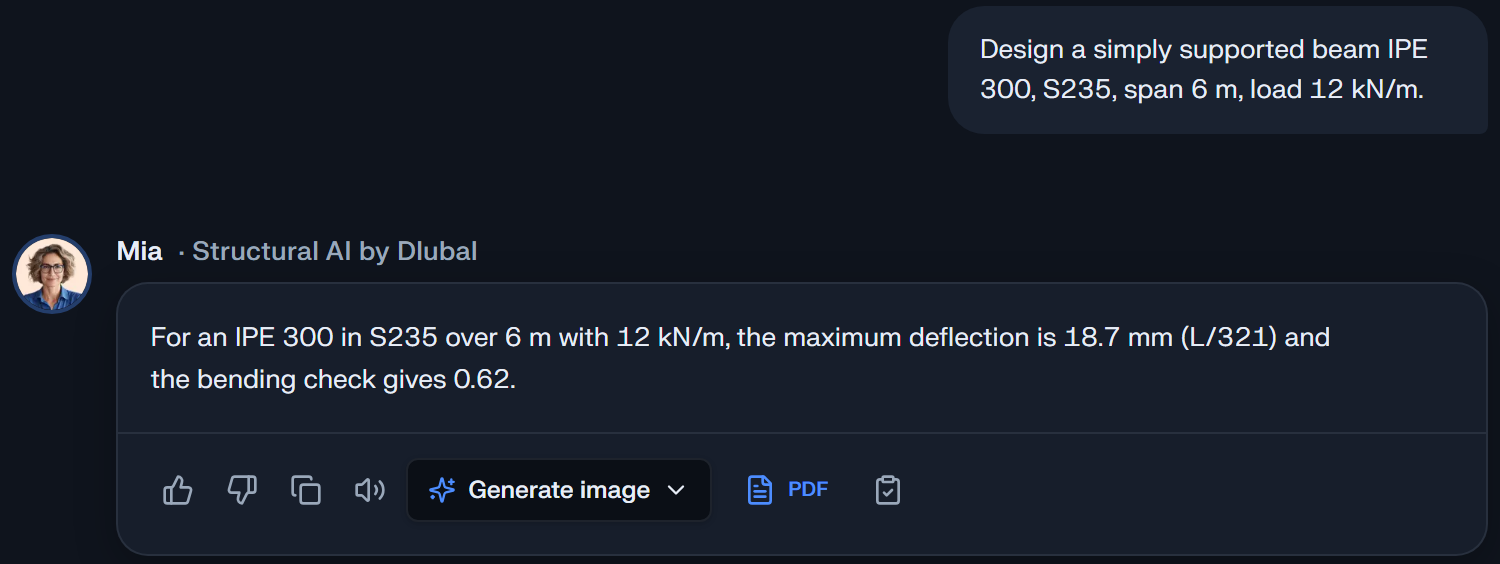
That costs one credit for the message. Knowledge and web searches are included. A geo data lookup (2 credits) or an RFEM request that changes or calculates a model (3 credits) is added only when it runs. The full table is in Plans and credits.
When result data is available, result diagrams and a verification summary appear below the answer. Check for items marked as not calculated. A notice about incomplete result data means the calculation cannot yet be assessed in full.
5. Connect RFEM, if you want the model
Everything so far ran without RFEM. To build the same beam as a real model, calculate it there and read the results back, connect RFEM 6 once and ask again.
Connecting RFEM is the setup, and it takes about two minutes if RFEM is already installed. RFEM access is on every plan, the free one included.
6. Ask for the alternative you actually want
The value of the conversation is in the second question, not the first.
What changes if the span goes to 7.5 m and the load stays the same?
Same beam in S355. Does it get lighter, and by how much?
7. Turn it into a report
When the result is right, say so:
Put this into a report: load assumptions, the governing check, and the deflection check.
You get a document with chapters that you can edit before exporting. A PDF export costs 2 credits, editing costs nothing, so iterate first and export once.
PDF reports need Starter or above. On the free plan you can calculate and read results but not generate the document. Reports covers the editor, the cover page and what ends up in the file.
Where to go next
- Connecting RFEM to drive your own RFEM 6.
- Knowledge sources for where a cited rule comes from.
- Reports for the document you hand over.