Voice & collaboration
Prepare a calculation with Mia by voice
Discuss a steel beam task with Voice Agent Mia. Clarify missing inputs and review the conversation in chat before requesting a calculation.
Open example in CALCThe button prefills the example task without sending it. To try the voice example, then start the Voice Agent and speak the task. Opening the example starts neither the microphone nor a calculation.

A practical task
You want to examine a six-metre steel beam. Explain the task to Mia by voice and first collect the information needed for a calculation you can check.
Inputs & targets
- Plan
- Starter, Professional or Enterprise; sufficient credit balance
- Equipment
- Signed-in CALC account, microphone, audio output and internet
- Known inputs
- Simply supported beam, 6 m span, S235, IPE 300
- To clarify
- Supports, loads and units, self-weight, calculation objective and applicable standards
How to proceed
Start the conversation
Open CALC and activate the Voice Agent using the sound-wave icon in chat. Accept the audio-processing notice if you agree, and allow microphone access. Wait until Mia is ready.
Clarify the task together
Speak the example task or describe your own. Say numbers and units clearly. Answer follow-up questions one at a time and ask Mia to summarize the inputs.
Review inputs and continue
Read the conversation and technical answers in chat. Correct recognition errors and unresolved assumptions. Then request the calculation you need. End the voice conversation using the Voice Agent button.
An example of how the conversation might start
- You
- Mia, I want to examine a six-metre S235 beam with an IPE 300 section. Help me collect the inputs first. Do not calculate yet.
- Mia, possible follow-up
- How is the beam supported, what load acts on it and does that load already include self-weight?
- You
- Simply supported. A downward uniform load of twelve kilonewtons per metre including self-weight. Please read the inputs back to me.
- Mia, possible summary
- Six-metre span, S235, IPE 300, simple supports and a total load of twelve kilonewtons per metre including self-weight. Which result would you like to examine?
- You
- Deflection first. Clarify the load level and calculation assumptions with me. I will check the inputs in chat before we calculate.
What you can work with next
A task description you can review in chat, with confirmed inputs and clearly identified open questions. Use it to request the calculation as the next step.
Scope & prerequisites
This is an illustrative conversation, not a recording or an executed calculation. Mia may ask different follow-up questions. A suitable plan does not replace checking recognized inputs or reviewing engineering results. Audio processing and technical CALC tasks may consume credits. RFEM analysis also requires a working connection and an actual calculation run.
Read the workflow in the manualYour starter task for CALC
Mia, help me collect the inputs for a single-span beam. The span is six metres, the section is IPE 300 and the material is S235. Do not calculate yet. First ask me about the supports and loads. Then summarize all inputs with units and identify missing information. Wait for my review before requesting a calculation.
Open example in CALCThe button prefills the example task without sending it. To try the voice example, then start the Voice Agent and speak the task. Opening the example starts neither the microphone nor a calculation.
The next step in your workflow
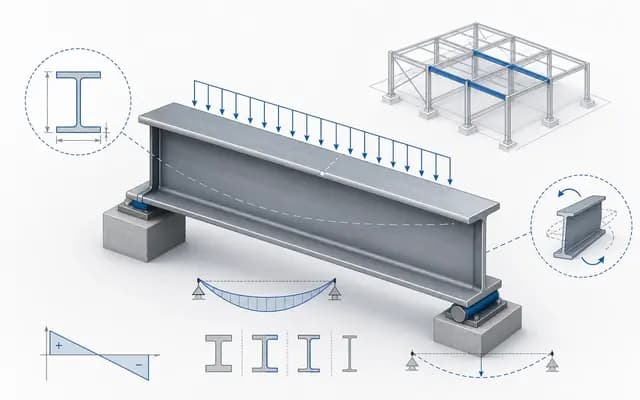
Concept & design
Size a steel beam
Examine a 6 m IPE 300 steel beam in CALC. Screenshots and a video show the example and how to prepare for further work in RFEM 6.
Explore the example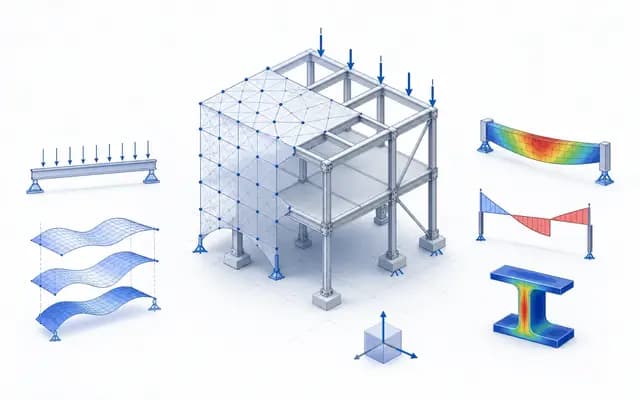
Options & decisions
Compare design options
Change one parameter deliberately and compare its effect on section size, utilization and deflection.
Explore the example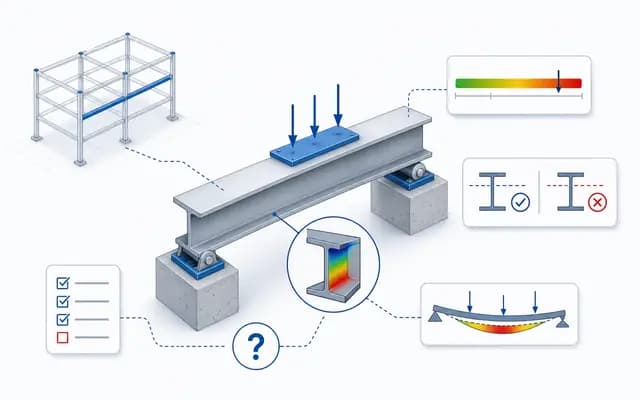
Documentation & handover
Create a calculation report
Bring results, inputs and assumptions together in an editable report and prepare it for PDF export.
Explore the examplePersonal workflows
Turn a proven chat workflow into a personal Skill
Save a proven workflow as a personal Skill. Use a facade panel fixing layout example to learn how to prepare the chat and review the resulting Skill.
Explore the example
Content updated: