Documentation & handover
Create a calculation report
Bring results, inputs and assumptions together in an editable report and prepare it for PDF export.
Open example in CALCThe task is prefilled in the chat. Review it and send it when you are ready to start.
A practical task
Document a steel beam calculation so that its system, load assumptions, calculation steps and checks can be read together.
Inputs & targets
- Starting point
- Calculation of the 6 m steel beam
- Contents
- Result, system, inputs, assumptions and calculation
- Supporting content
- Diagrams and checks performed
- Before export
- Review chapters, project details and completeness
How to proceed
Review the calculation
Start with a calculation and check that its inputs, assumptions and results match the task.
Edit the report
Assemble relevant content, edit the chapters and add project details.
Export a PDF
Review the preview and export the report using the available PDF feature.
What you can work with next
An editable report that you can review and share as a PDF, keeping the result, assumptions and calculation steps together.
Scope & prerequisites
The report documents the scope actually calculated; it does not supply missing checks. Report creation and PDF export depend on your available plan and credits. See the manual for details.
Read the workflow in the manualYour starter task for CALC
Investigate a simply supported S235 steel beam with a 6 m span and a uniformly distributed load of 12 kN/m including self-weight. Select a suitable IPE section. The targets are deflection at most L/300 and utilization at most 0.90. Before calculating, clarify the load level, load combinations, lateral restraint and applicable National Annex with me. Then show the governing result, system and inputs, assumptions, checks, and moment, shear and deflection diagrams. Identify checks not performed. After calculating, prepare a report with the governing result, system and inputs, calculation assumptions, calculation steps, checks performed and result diagrams. Include only results actually calculated. Mark open inputs and checks not performed.
Open example in CALCThe task is prefilled in the chat. Review it and send it when you are ready to start.
The next step in your workflow
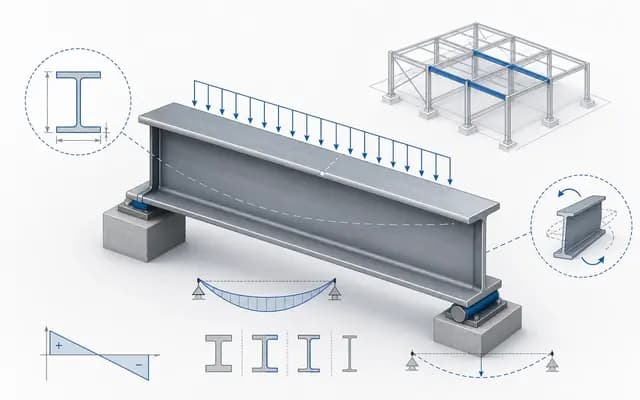
Concept & design
Size a steel beam
Describe your steel beam, establish its boundary conditions and explore a suitable section with a traceable calculation.
Explore the example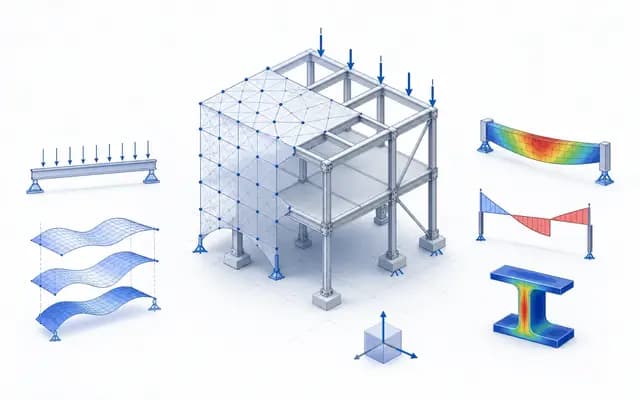
Options & decisions
Compare design options
Change one parameter deliberately and compare its effect on section size, utilization and deflection.
Explore the example
Content updated: